Is there value in tinkering?
Every so often I like to waste spend some time tinkering with my computer’s configuration. Part of it is, of course, to make it look nice. There’s something satisfying about getting the right colour scheme, a cool-looking prompt, and a custom bar that shows exactly the information you want where you want it.
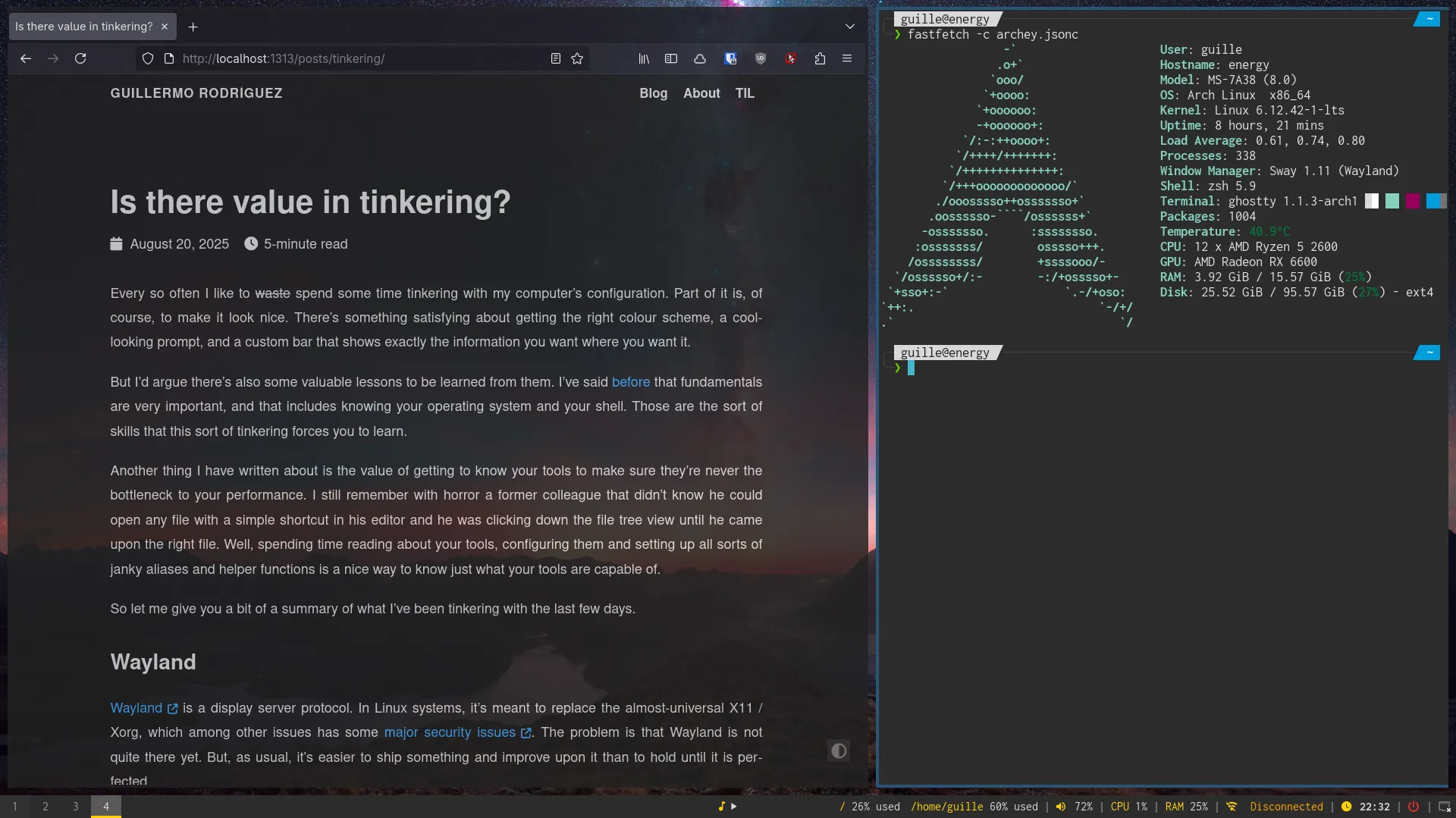
But I’d argue there’s also some valuable lessons to be learned from them. I’ve said before that fundamentals are very important, and that includes knowing your operating system and your shell. Those are the sort of skills that this sort of tinkering forces you to learn.
Another thing I have written about is the value of getting to know your tools to make sure they’re never the bottleneck to your performance. I still remember with horror a former colleague that didn’t know he could open any file with a simple shortcut in his editor and he was clicking down the file tree view until he came upon the right file. Well, spending time reading about your tools, configuring them and setting up all sorts of janky aliases and helper functions is a nice way to know just what your tools are capable of.
So let me give you a bit of a summary of what I’ve been tinkering with the last few days.
Wayland
Wayland is a display server protocol. In Linux systems, it’s meant to replace the almost-universal X11 / Xorg, which among other issues has some major security issues . The problem is that Wayland is not quite there yet. But, as usual, it’s easier to ship something and improve upon it than to hold until it is perfected.
I have known about Wayland for some time, but only recently decided to switch. One thing to know is that I’m weirdly lucky, even for fairly non-consequential things. This also applied in my Wayland migration, as it seems I picked a great time to do so, a number of issues that would have deeply annoyed me were fixed just months (in one instance, days) before I migrated.
The space is still moving quite quickly and that means documentation is not always up to date. After being recommended tens of rofi replacements, I eventually found out that they had recently merged in Wayland support into the main project so I didn’t even need to switch!.
Honestly: the Wayland experience is fine. I do understand people’s mileage will vary. Personally I don’t game, I don’t use a DisplayLink docking station and I don’t have an nvidia card, all of which I’m told cause issues.
Even then, I did leave with some minor pain points, some of which I hope will be solved soon-ish, and some things from my previous setup I couldn’t replicate:
- The most annoying by far is how activation requests work. Basically, this: https://github.com/sublimehq/sublime_text/issues/6236#issuecomment-2219709650
- I can only screen share an entire monitor. I think there are ways around it by using virtual displays but that seems a bit too involved. It seems the feature has been implemented , so it’s just a matter of waiting for the next release. Thankfully I don’t need this feature on my Linux box for now so I’m fine waiting.
- I used to have a progress bar on my polybar to show the currently-playing song. As part of the migration to waybar I had to get rid of it. Waybar is slightly inferior to polybar as a 1:1 replacement but it does the job.
- The only feature I’m missing when migrating from i3
to sway
is layouts. I liked i3 to prepare my environment in the layout I wanted right after booting, and sway doesn’t offer that. There are some workarounds
but none too convincing, so I have a very hacky string of
swaymsgstatements that works most of the time. - I haven’t found a good replacements for GUI apps that you previously had to run in sudo (or gksudo) like gparted or gsmartcontrol. I guess I’ll need to learn the CLI versions?
Dotfile wrangling
I’ve been hosting my dotfiles (basically, configuration files) on Github for a few years now.
Over time, more and more things came into that folder and it had gotten a bit out of hand with a single script for installing and another for creating all the symlinks.
After getting some inspiration, I decided to reorganise it in different modules. So it looks larger now with all the folders but the complexity has gone way down. And with that out of the way, it opened the door for further changes.
The first thing that happened while I was reorganising things was a major cleanup of things I added at some point but simply never used. That’s fine, it’s part of the process. Another one, probably more productive, was reflecting on the things I do use and looking at ways to leverage more productivity out of them. The biggest change here has probably been fzf. I rewrote a couple of my helper functions to use it and everything feels so much smoother now.
Split concerns: work/personal
While I am currently using separate machines for my personal (including hobby development) and professional use, I suspect it won’t always be like that. I never enjoyed using Mac OS, which is what my company gave me. But things change, so I wanted to adapt my dotfiles and installation scripts to support either a work machine, a personal one, or a hybrid-use one.
That has led to a lot of fun experiments and tinkering as well, hopefully making things a bit more feature-proof. And even if I don’t like Mac too much, I still added a lot of the setup to it so it’s easier to sync my configurations both ways without breaking anything or keeping a vastly out of date copy full of manual changes.
As a final side note, despite being overall fairly lukewarm on AI, I will say it gave me very nice results in this project. I can never remember things like Bash conditionals, what features are POSIX vs modern shells vs Bash-only, etc. So that was helpful to shorten time figuring out why some things were not working. As usual it still gave me a lot of terrible suggestions that I knew to disregard, but that’s par for the course by now.